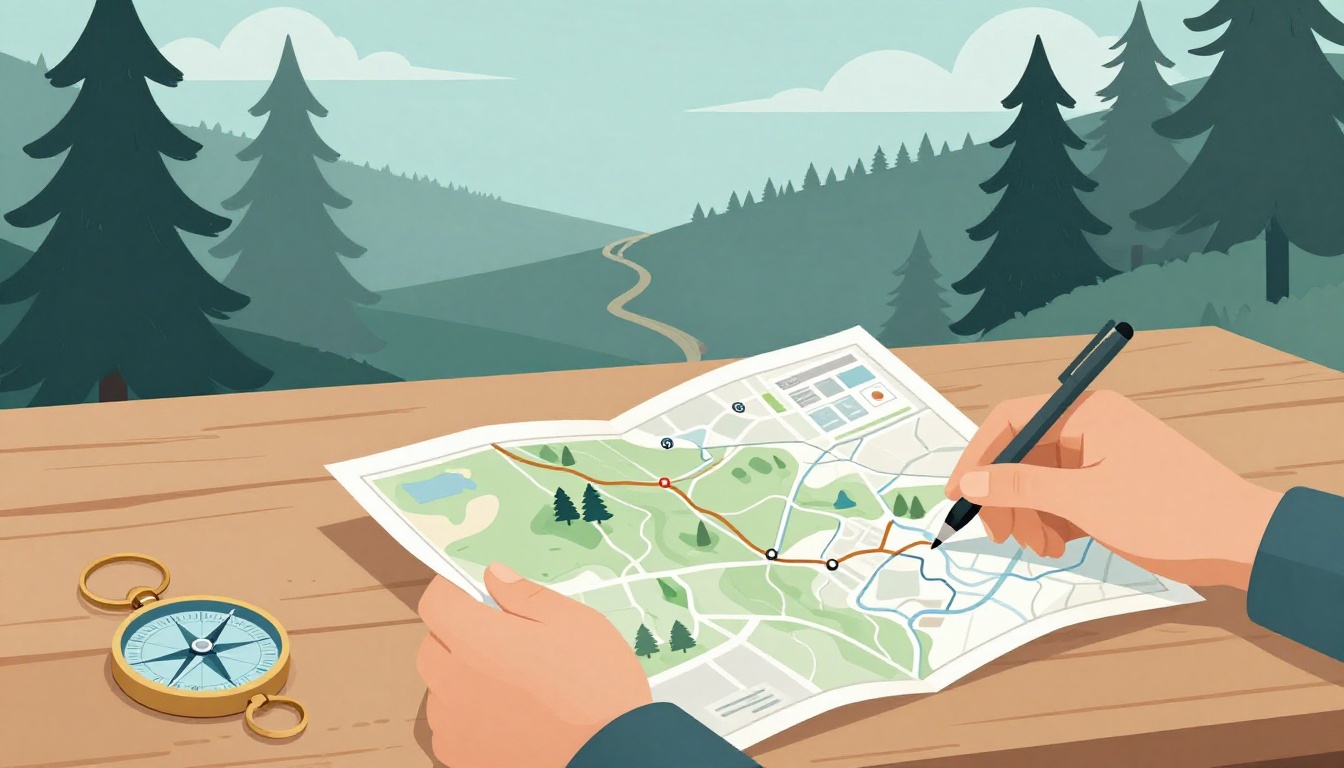
Ever looked at a map and thought, “I have no idea what any of this means”? A beginner hiker once got turned around on a trail and panicked for a minute. Then they spotted the legend, matched a couple of features, and followed the roads back to the trailhead. That simple map habit turned a stressful detour into a quick fix.
Today, you might also have GPS in your pocket. Still, knowing how to read a map for beginners matters. Phones die, signals drop, and offline areas can look totally different than you expect.
Now you’ll learn how to find the essential parts on any map, read paper maps step by step, and switch to digital maps without losing your sense of direction.
Spot the Essential Parts on Any Map First
Before you chase routes, look at the map like a puzzle. Most maps feel confusing because you start in the wrong place. Instead, find the parts that explain the whole page.
Here are the core pieces you should spot first:
- Title: tells you what area the map covers (a state park, a town, a hiking region).
- Legend (key): explains the symbols (blue for rivers, dots for towns, dashed lines for trails).
- Scale: shows distance (example: 1 inch equals 10 miles).
- Compass rose: shows directions (often north is up, but not always).
- Grid lines: help you locate exact spots using latitude and longitude.
- Map body: the main area with roads, rivers, land, and trails.
- Border: frames the map and sometimes lists limits or reference info.
A quick mental diagram helps. Picture a big rectangle (the map body). Around it, you have a legend box, a compass rose, a scale bar, and grid lines running across.

Title and Legend: Your Map’s Quick Start Guide
Start with the title because it sets your expectations. If the title says “Raccoon Creek State Park,” you should not expect city blocks downtown.
Next, read the legend. Symbols often look like tiny art projects, but they follow rules. For example, you might see:
- Solid black lines for main roads
- Dashed lines for minor roads or trails
- Blue shapes for rivers and streams
- Green areas for forests or parks
If you skip the legend, you can still move, but you’ll guess. And guessing is how beginners take the wrong turn.
One smart habit: pause and confirm one symbol before you trace a route. Find the trail symbol you’ll follow, then locate where it connects to roads or landmarks.
Scale and Compass Rose: Measure and Orient Like a Pro
The scale tells you how to convert “map distance” into real distance. If the scale says one inch equals ten miles, that helps you plan time and effort. If you measure a route that looks short on paper, the scale reveals whether it’s short in real life.
Then orient the compass rose. Many maps keep north at the top. However, some maps are rotated. So check the compass rose before you trust “up means north.”
When you’re outside, turn the map to match your view. If north on the map points toward the same direction as north in the real world, your route starts to make sense. Otherwise, the map can feel like it’s lying.
Grid Lines: Pinpoint Any Location Easily
Grid lines are what turn “nearby” into “right there.” Latitude lines run east-west, and longitude lines run north-south. The numbers can look intimidating, but they make location clear.
For example, coordinates near New York City include 40°N, 74°W. You don’t need to memorize everything. You just need to know that each grid point helps you find an exact spot.
If you’re using topo maps, grid lines and elevation details work together. When you want a deeper explanation of those extra symbols, see topographic map basics for beginners.
Follow These Steps to Read a Physical Paper Map
Paper maps teach patience. They also teach confidence. You’ll use these steps on a trail, on a walk in a park, and even when you explore a new town.
- Read the title to confirm the area.
- Check the legend so you know what the symbols mean.
- Find north on the compass rose.
- Use the scale to estimate distance and time.
- Locate yourself using grid lines, roads, rivers, or landmarks.
- Trace your path from your start point to your goal, following roads or trail features.
A simple hiking example: you’re at a trailhead marked on the map. First, confirm the trail symbol in the legend. Then find where that trail symbol connects to a road. After that, use the scale to estimate whether the route is a quick half-hour walk or a long trek.
If the map feels bulky, fold it flat. Then keep the section you’re using in front of you. A straight edge also helps when you’re drawing a line from one point to another.
Switch to Digital Maps Without Missing a Beat
Digital maps feel easier because they update your spot. Still, you should read them the same way: start with the basics, then move toward the route.
For example, most apps show a compass that rotates as you face different directions. They also show a scale bar or distance info, plus a map style with roads, trails, and sometimes terrain shading.
You also get common features like zoom. Pinch-to-zoom helps you match the map to what you see on the ground.
Here’s a quick comparison to keep you grounded:
To make the switch easier, use this simple mindset.
| Feature | Paper Map | Digital Map |
|---|---|---|
| Your position | You must locate it | A GPS dot shows it (if signal works) |
| Orientation | You turn the map | The app rotates the view |
| Distance | Scale bar guides estimates | Distance updates on routes |
| Reliability | Works without cell service | Depends on battery and signal |
Also, don’t ignore map layers. You might need terrain shading, trail color changes, or alternate routes.

Handle GPS and Layers for Smarter Navigation
Your GPS dot is helpful, but it’s not magic. First, look at your accuracy. If your dot jumps around, slow down and confirm by matching nearby features.
Next, check how the app shows coordinates. Many apps display latitude and longitude, which helps when you compare to grid-like references.
Finally, use layers wisely. Traffic layers don’t matter on trails, but terrain or topo layers can.
If you ever need an ultra-clear meeting point, consider what3words. It turns a location into three words, which makes sharing easier when you can’t describe an exact corner. For a beginner-friendly walkthrough, read how to use the what3words app.
Fresh 2026 Tips and Tools to Level Up Your Map Game
In 2026, many hikers rely on offline-ready apps and topo layers. That’s smart, especially when you’re heading into areas with spotty service.
Here are practical upgrades to try:
- Download maps before you go so you don’t lose routes mid-hike.
- For topo details, Gaia GPS often gets strong beginner rankings because it supports USGS topo layers and layers you can turn on.
- If you like built-in trip planning, AllTrails can help you pick trails, then you can verify details using paper if you want.
- Use voice guidance, but still glance at the map. Voice can miss a turn.
- When conditions change (snow, washed-out paths), check the map again, then compare to ground reality.
If you want a quick look at current options, this list of hiking navigation apps of 2026 can help you choose what fits your style.
As a safety habit, cross-check routes before you commit. Even one smart paper check can prevent a wrong turn.

Conclusion
Learning how to read a map for beginners starts with one move: spot the title, legend, scale, and compass rose. After that, map reading becomes a routine, not a mystery.
Next time you head out, follow the same steps for paper maps, then use your app as a support tool. If you want extra clarity, add one modern tool, like offline maps or a simple location code.
So here’s your next step: grab a local map and try it on your next walk. Then share your first map win, even if it’s small.